
Client Portal
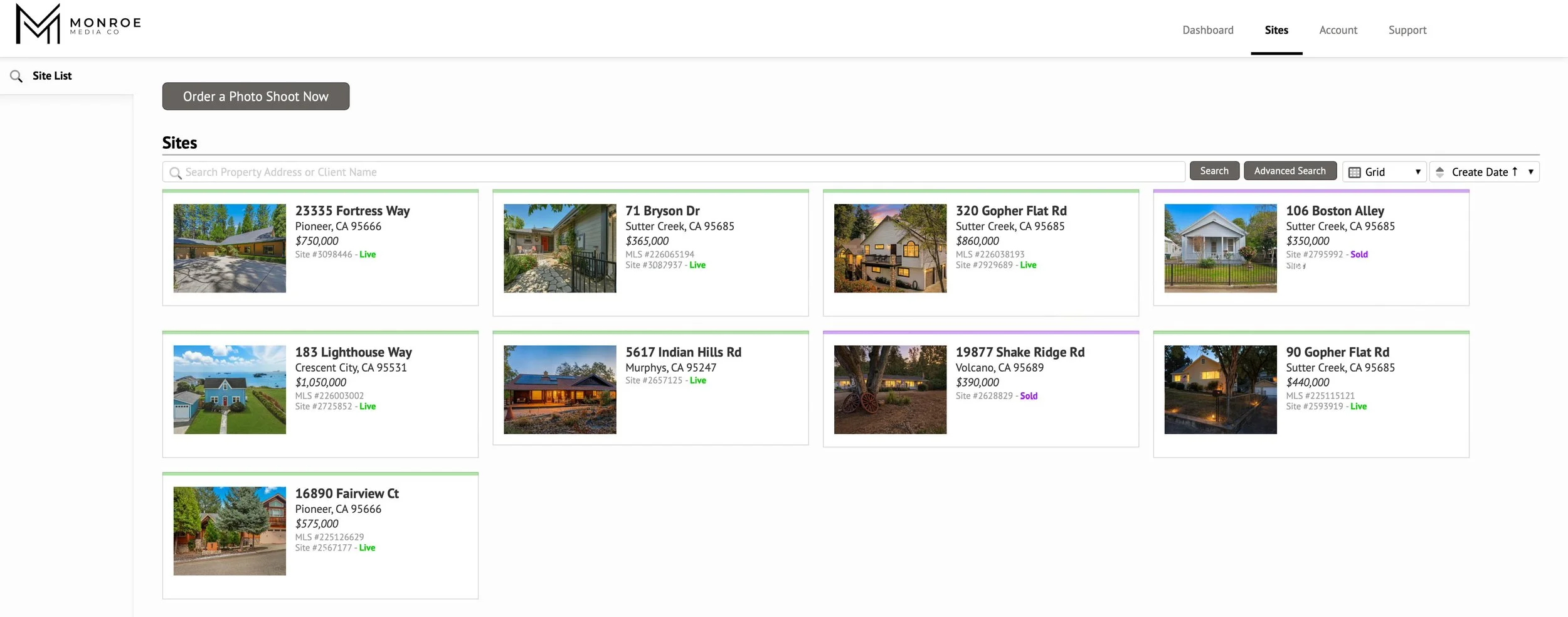
Access your property photos, videos, marketing materials, invoices, and project files all in one place.
Thank you for choosing Monroe Media Company. We are committed to delivering high-quality visual content designed to help your listings stand out and perform.
Use Portal below to log in and access media gallery!
HOW ORDERING WORKS
1. Open the Client Portal — Click "Log In / Order Now" above to reach the Monroe Media Company Customer Portal. Log in with your email and password if you have an account, or choose "I need to place an order" to start a new order.
2. Choose your services — Select the order form that fits your shoot: Real Estate Photography, Zillow Showcase (agents only), or Rental Property Photography.
3. Enter the property address — Type the street address, city, state, and postal code, then place the pin on the map at the property location. Select the property status (vacant or occupied) and add lockbox codes, gate codes, or other access instructions.
4. Select services and schedule — Pick your photo, video, drone, and add-on services, then choose a shoot date and time.
5. Confirm — Enter your contact details, review the order summary, and confirm. Track your order, download media, and view invoices right in the portal.